AI Isn't Replacing Creatives in 2026- Creatives Who Use AI Will
Some thoughts on why creatives need to stop fighting the tools and start building a framework. Learn the 4-step "Creative Playbook" to automate the grind and amplify your unique signature.
You're not falling behind (yet), you're right on time
More than two years into the AI revolution, I’ve watched designers and tech professionals talk about their impressive AI victories, the vibe-coding enthusiasts, the custom GPT builders, the workflow automation experts, and so on. I suppose it's easy to feel like you're in urgent need to catch up with the pace whilst barely managing your actual design work.
If this resonates with you, you're far from alone. In our ‘very’ demanding industry, where staying current with existing tools feels like a full-time job, the pressure to master AI can indeed, feel overwhelming. The fear of missing out on this technological marathon is entirely understandable.
Here's what I've learned through this journey: first of all, the narrative has finally shifted. We've moved from "AI is replacing creatives" to a more nuanced and accurate reality: "creatives are augmenting their capabilities with AI".
The distinction isn't semantic, it's fundamental to how we approach our craft, especially in the creative industry.
Let me be clear from the outset: I'm not here to offer reassurance that you should be ignoring AI and continue your way. Rather, what I am here to say is twofold: (1) it's never too late to begin learning, and (2) you don't need to master everything immediately.
The learning curve doesn't demand omniscience. Start by exploring and identifying your area of focus. Perhaps you'll excel at prompt engineering which, in truth, is the cornerstone of mastering any AI tool. Or maybe you'll find your strength in workflow orchestration, or in training custom models on your unique aesthetic and way of working. And yes, creatives don't follow a standard playbook. We iterate constantly, work in our own ways, and that's exactly the point- your job is to make AI work for your process, not conform to 'generic practices’.
The crucial insight I gained from Rafael Hernandez's recent masterclass with IxDF: you're not learning a tool, you're learning a framework. One that transcends any single platform and becomes portable knowledge you carry throughout your career.
The orchestra behind the output: understanding what AI ‘actually’ does
We tend to fixate on the spectacular results, the compelling copy, the stunning visuals that seem beyond human capability. "How did AI create this?" But this perspective misses the conductor behind the orchestra.
Behind every impressive AI output is a human who understood how to orchestrate the technology. The generated image didn't spring from nowhere; it emerged from carefully crafted prompts, strategic iterations, curated training data, and most importantly human judgment about what works and what doesn't.
AI serves to augment our capacity as designers across every phase of our workflow: ideation, research, prototyping, testing, and even UX auditing. Each phase benefits from AI integration in distinct ways, but the underlying principle remains constant, we're enhancing human creativity, not replacing it.
The data supports this evolution of practice rather than replacement: over 80% of creative professionals have integrated AI tools into their workflows (Adobe Creative Study, 2023), with 62% reporting approximately 20% time savings on routine tasks. These aren't people being replaced, they're professionals becoming more efficient, more exploratory, and ultimately more creative.
The three levels of AI integration: where do you sit?
Think of AI adoption as a spectrum of sophistication, each level building upon the last:
Level 1: The Dabbler
This is where most of us begin: quick wins with basic functions. Removing backgrounds, generating placeholder text, applying filters, creating simple variations. It's using AI at the tip of the iceberg: helpful for immediate tasks but hardly transformative to your practice.
There's no shame in starting here. Every expert was once a beginner. The key is recognising this as a starting point, not a destination (this is how most of us use AI today, but there's untapped potential ahead).
Level 2: The Explorer
This level represents strategic application across your workflow. Here's where AI becomes genuinely useful:
Discover deeper: what used to take weeks of data analysis can now take minutes. AI helps you transform raw research into actionable insights at unprecedented speed. But here's the critical part and cautionary tale: always validate AI outputs thoroughly, this is your job, not your AI companion's. Remember the recent Deloitte scandal where AI-generated analysis contained significant errors that slipped through? That's a stark reminder that we remain fully responsible for accuracy. Treat AI insights as first drafts that still require your expert verification, not finished deliverables.
Define your problem, but better: convert vague problem statements into focused and solvable pain points. AI excels at helping you articulate what you're actually trying to solve by analysing patterns across vast datasets of similar challenges, identifying common pain points, and suggesting problem framings you might not have considered.
Iterate faster: Generate multiple iterations in the time it once took to create one. Weeks of exploration compressed into days of rapid conceptualisation. These won't be your "final-final-final-v2" deliverables, but they'll significantly accelerate your direction-finding and research phase.
Document and deliver with structure: Use AI to structure, document, and communicate your work more effectively, transforming how you present ideas to stakeholders. That said, don't overlook your tone and voice. AI lacks the nuance to capture your authentic communication style. Every AI-assisted document needs your human polish to ensure it sounds like you, not like a generic chatbot. Remember: we're augmenting our capabilities, not outsourcing our voice.
Currently, most designers operate at this level, primarily using prompt-based AI tools for specific tasks within their existing workflows. This is productive and valuable, but it's definitely not the final boss.
Level 3: The Creative Conductor
This represents full integration where AI becomes an extension of your creative thinking. You're not just using tools; you're orchestrating them to amplify your unique vision and problem-solving capabilities.
At this level, you've developed custom workflows, built personalised AI assistants, and created systems that reflect your distinctive design philosophy. You've moved beyond consuming AI capabilities to actively shaping them for your needs.
This resonates with the 'polymath designer' concept that Kelly Dern discussed at UX Brighton 2025. These are professionals who, whilst perhaps not coding experts, understand the logic behind code, use AI to orchestrate and prototype rapidly, and explore vastly more creative territories than previously possible.
Your Creative AI Playbook
Principle 1: Augment, don't automate
The most common mistake I observe is attempting to replace entire processes wholesale. This rarely works well. Instead, begin by identifying specific friction points in your existing workflow.
If mood boards consume hours, let AI accelerate your exploration phase. If colour theory challenges you, employ AI as your knowledgeable assistant. If client presentations drain your energy, use AI to help structure compelling narratives.
The goal isn't to eliminate your involvement, it's to amplify your effectiveness in areas where you currently struggle or waste time on repetitive tasks.
Principle 2: Cultivate your creative signature
Here's a paradox worth understanding: AI can replicate any style, but it cannot originate YOUR style. The more distinctive your creative voice becomes, the more powerful AI becomes as your amplifier.
Feed AI your best work. Train it on your aesthetic principles. Use it to explore variations of your unique perspective rather than generic outputs. The designers thriving with AI aren't those producing work that looks AI-generated; they're those whose AI-assisted work feels unmistakably theirs.
Your creative signature, the thing that makes your work recognisably yours, becomes your competitive advantage in an AI-augmented world.
Principle 3: Focus on irreplaceable human skills
AI lacks empathy. It can iterate endlessly, but it cannot sense when something "feels right" for your specific context. It produces content efficiently, but it cannot understand unspoken client anxieties, cultural nuances, or the subtle dynamics of stakeholder politics.
Also, AI agrees with you, perpetually. It lacks the ability to push back, to question your assumptions, to provide the constructive friction that leads to breakthrough ideas. I've noticed this in my own practice, when I use AI to validate ideas, it rarely challenges me. It expands on what I've suggested rather than questioning whether I'm solving the right problem in the first place. This is why human collaboration, with colleagues, stakeholders, and users, becomes more valuable than ever. We need people who will tell us when we're headed in the wrong direction, something AI simply cannot do.
Good designers are problem solvers, not pixel pushers. If your value proposition stops at "making things pretty" you're vulnerable regardless of AI. But if you're solving genuine problems, understanding user needs, navigating complex organisational dynamics, making strategic decisions based on incomplete information, AI becomes your accelerator, not your replacement. These are the skills that distinguish exceptional designers from average ones
Principle 4: Develop Custom Workflows
The designers I see thriving with AI aren't using tools straight out of the box. They're creating bespoke systems:
Custom GPTs trained on their specific design challenges
Automated workflows for repetitive tasks that previously consumed hours
Integrated toolchains that connect multiple AI capabilities
Personal prompt libraries refined through iteration and testing
This level of customisation transforms AI from a generic helper to a personalised design partner that understands your unique approach and amplifies your specific strengths.
So yes, it's worth blocking time in your calendar to explore how to make AI serve your workflow best. Build your system, refine your prompts, understand which tools fit where. Stop the random day-to-day prompting, especially if you're paying for these tools. That's leaving money and productivity on the table.
Here’s framework structure you can use as your starting point, whether you’re using ChatGPT, Claude or whatever emerges next:
Context: What are you designing and for whom? This establishes the foundation. Include business constraints, project parameters, and strategic goals. The more context you provide, the more relevant AI’s responses become.
Input: Provide concrete materials AI can work with: existing data, visual references, brand guidelines, user research findings, competitive analysis, or previous iterations.
Output: Specify exactly what deliverables you need and in what format. What level of granularity do you require? How much detail versus breadth? The more specific your requirements, the less AI has to guess about your expectations.
Evaluation: How you'll judge success. This is the part that's often missed, and it's crucial. You're setting the standards for what makes a good result BEFORE you generate it.
Your Next Move
The question isn't whether AI will impact creative work—it already has. With over 80% of creative professionals integrating AI and seeing tangible benefits, the real question is how you choose to respond.
The designers who will thrive aren't those who resist AI or those who surrender to it completely. They're the ones who learn to dance with it.
Think back to when Adobe Photoshop was introduced. There were designers who resisted, claiming it would destroy "authentic" design. Today, we recognise that Photoshop didn't diminish design, it expanded what was possible. AI represents a similar inflection point.
The robots aren't coming for your job. But designers who've learned to effectively orchestrate AI.. hey might be.
You have a choice: remain a tool user, or evolve into a creative conductor. Learn not just to use AI, but to direct it. Not to depend on it, but to leverage it strategically. Not to let it define your work, but to amplify what makes your work distinctly yours.
The question isn't whether you can learn this. You can—I've watched countless designers prove it, regardless of their starting point or technical background.
About the Author
Meriem Benhabiles is a UX Designer with an unconventional background in Applied Mathematics, Data & Computing, based in London. She brings a strategic, data-driven craft to product design.
In her current role at The Covalent Bond, she drives growth across UX and CRO for a range of clients, including global brands like Samsung and Shake Shack.
Having worked in-house, agency-side, and independently, her expertise spans diverse industries, with a particular drive for empowering founders and startups. She has guided over 10 founders in building their products and setting their brand direction, delivering significant commercial impact: helping one startup unlock £5M in revenue and scaling another's user base from 100 to 25k.
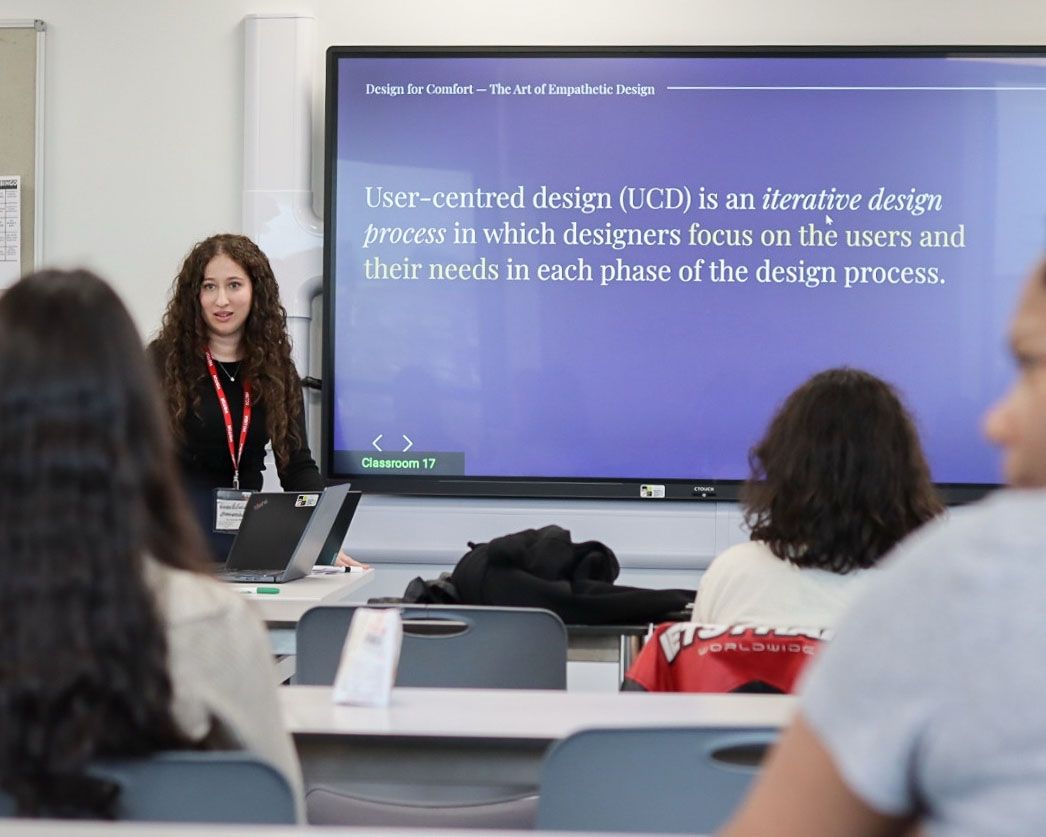
Alongside her day-to-day work, she teaches UX/UI Design and mentors aspiring designers and emerging tech professionals at Ada The National College for Digital Skills and University of Greenwich, and serves on judging panels for the Horizon Interaction Awards and London Design Awards by IAAA.